
A transcript and summary
Read the useful parts without replaying the recording. The original audio stays with the note.
Capture a thought on Apple Watch. Moment Notes turns it into a transcript, summary, and tasks on your iPhone, ready to search or ask about later.
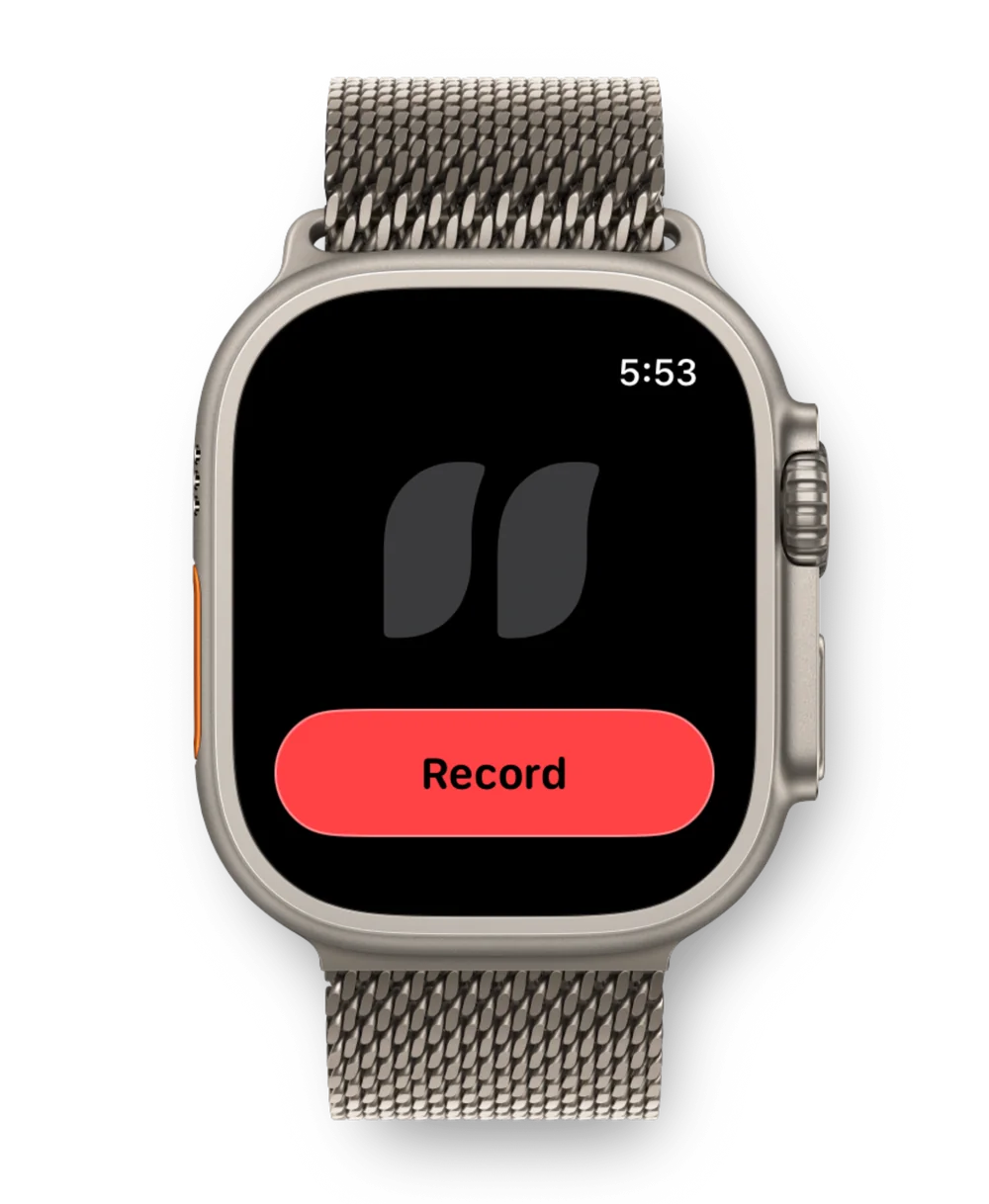
Catch ideas and quick follow-ups with the iPhone and Apple Watch you already own. You choose when to record.
Need all-day ambient capture or a separate battery? A dedicated recorder may be a better fit.
Download Moment Notes on your iPhone, then install the companion app on Apple Watch.
Open the Watch app or tap its complication to record. Tap Stop when you're done. You can also start with Siri or your iPhone Action Button.
Your Watch recording transfers to your iPhone, where Moment Notes creates the transcript, summary, and tasks.
Read the useful parts without replaying the recording. The original audio stays with the note.
Follow-ups you mention become tasks you can add to Apple Reminders.
Find a thought by searching the words you said, even when you don't remember when you recorded it.
Ask a question in text or voice. Answers include sources that take you back to the original notes.
Moment Notes is free to download for iPhone, iPad, and Apple Watch.
More ways to capture: Action Button voice memos · Apple Watch voice notes