
A transcript and summary
Each recording becomes a readable note with a summary, key points, and the full transcript alongside the original audio.
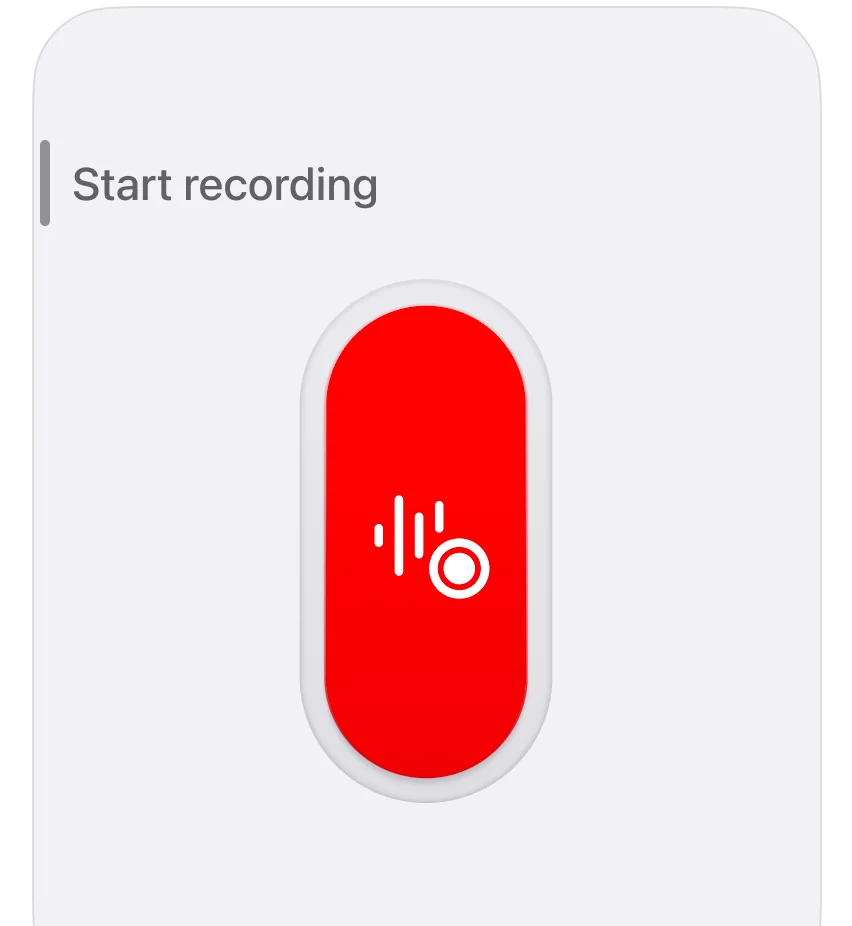
Moment Notes adds a Record control you can assign to the iPhone Action Button. One press opens Moment Notes and starts recording, and what you said becomes a transcript, summary, and tasks. It's free to download for iPhone.
Download Moment Notes from the App Store and open it once, so iOS can list its Record control and shortcuts.
Swipe through the actions until you reach Controls.
Tap Choose a Control, search for Moment Notes, and select Record.
Press the Action Button. Moment Notes opens and starts recording right away, with no extra tap. Press again, or tap Stop in the Live Activity, when you're done.
Each recording becomes a readable note with a summary, key points, and the full transcript alongside the original audio.
Mention a follow-up while you talk and it shows up as a task you can add to Apple Reminders.
Use your own tags once and Moment Notes keeps applying them, so notes are easy to find later.
Ask a question in plain words. Moment Notes answers from your own notes and shows the recording each answer came from.
The Action Button is on iPhone 15 Pro, iPhone 15 Pro Max, and iPhone 16 and later. Moment Notes requires iOS 26, and the Record control needs iOS 26.2 or later.
Yes. Moment Notes opens and starts recording on its own, so there's nothing else to tap. A Live Activity shows while you record, with a Stop button.
Apple's Voice Memo action saves an audio recording. Moment Notes turns the recording into a transcript, summary, tasks, and tags, and lets you ask questions across everything you've recorded.
Yes. In Settings, then Action Button, you can choose Shortcut and pick the Moment Notes Start Recording action. You can also say "Record with Moment Notes" to Siri.
Yes. The same Record control can be added to Control Center or to the Lock Screen.
Moment Notes is free to download and includes free transcription minutes to try it. Moment Notes + is a subscription for unlimited use.
Moment Notes is free to download for iPhone, iPad, and Apple Watch.
More ways to capture: Apple Watch voice notes