
Recording happens on the watch
Audio is recorded on Apple Watch itself, so you can capture a thought without reaching for your phone.
Moment Notes records voice notes on Apple Watch and sends them to your iPhone, where they become transcripts, summaries, and tasks. It's free to download for iPhone and Apple Watch.
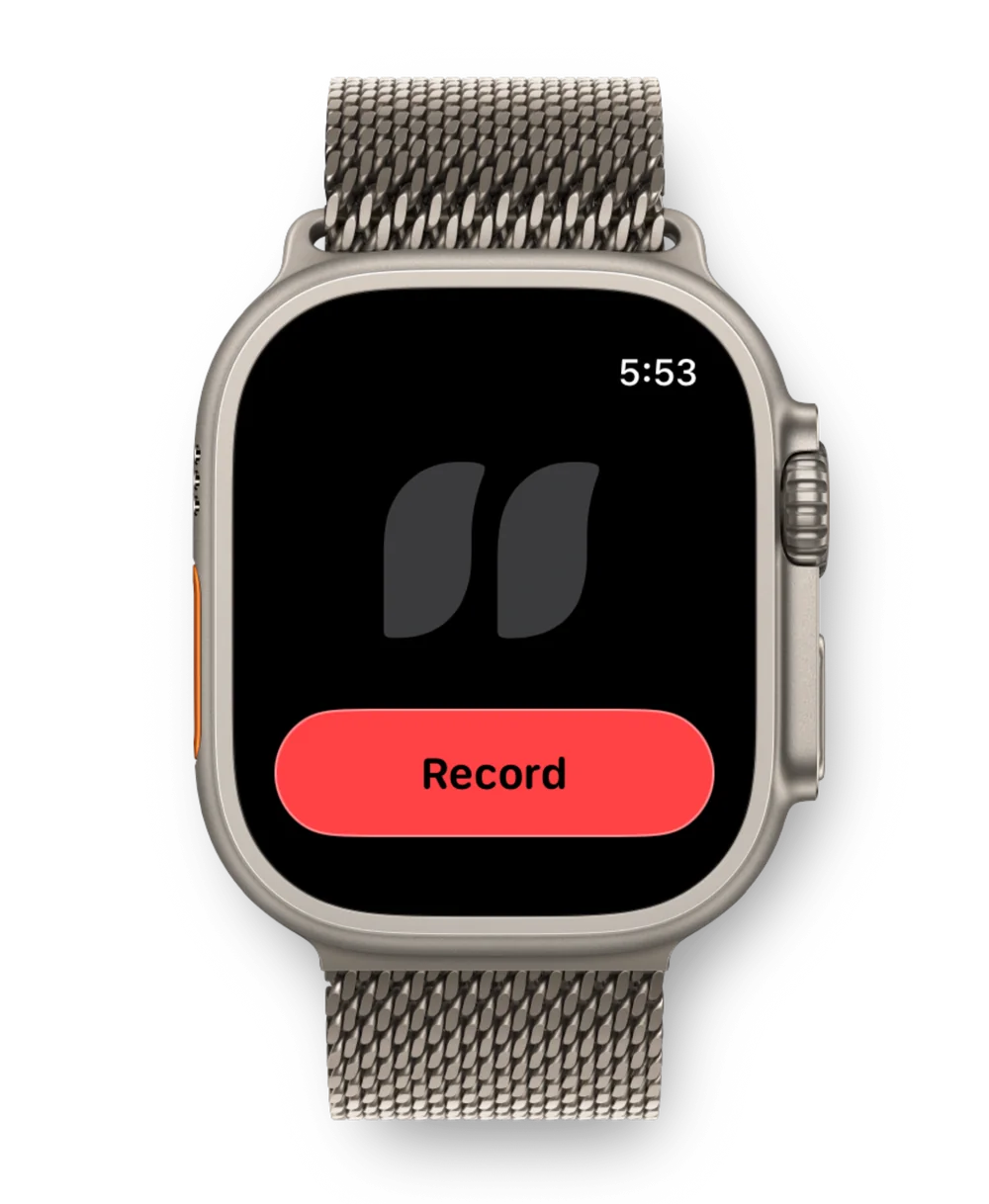
Download Moment Notes on your iPhone, then install the watch app from the Watch app on iPhone or the App Store on your watch.
Touch and hold the watch face, tap Edit, then choose Moment Notes for a complication slot. It comes in circular, rectangular, and corner sizes.
Tap the complication to start recording, then tap Stop when you're done. You can also say "Record with Moment Notes" to Siri on your watch.
The recording is sent to your iPhone, where Moment Notes turns it into a transcript, summary, and tasks.
Audio is recorded on Apple Watch itself, so you can capture a thought without reaching for your phone.
On your iPhone, the recording becomes a readable note with a summary, key points, and the full transcript.
Follow-ups you mention show up as tasks you can add to Apple Reminders.
Switch on Privacy Mode and your watch recordings are transcribed and summarized on your iPhone instead of in the cloud, on iPhones that support Apple Intelligence.
Not while you record. The watch records on its own, then sends the audio to your iPhone for transcription, so keep your iPhone within range for the recording to transfer.
No. Apple Watch is for capture. Transcripts, summaries, and tasks appear in Moment Notes on your iPhone and iPad.
Moment Notes needs watchOS 26 or later, and its complications need watchOS 26.2 or later.
Yes. Say "Record with Moment Notes" to start, and "Stop recording with Moment Notes" to stop.
Apple's Voice Memos saves an audio recording. Moment Notes turns it into a transcript, summary, tasks, and tags, and lets you ask questions across everything you've recorded.
Moment Notes is free to download and includes free transcription minutes to try it. Moment Notes + is a subscription for unlimited use.
Moment Notes is free to download for iPhone, iPad, and Apple Watch.
More ways to capture: Action Button voice memos